
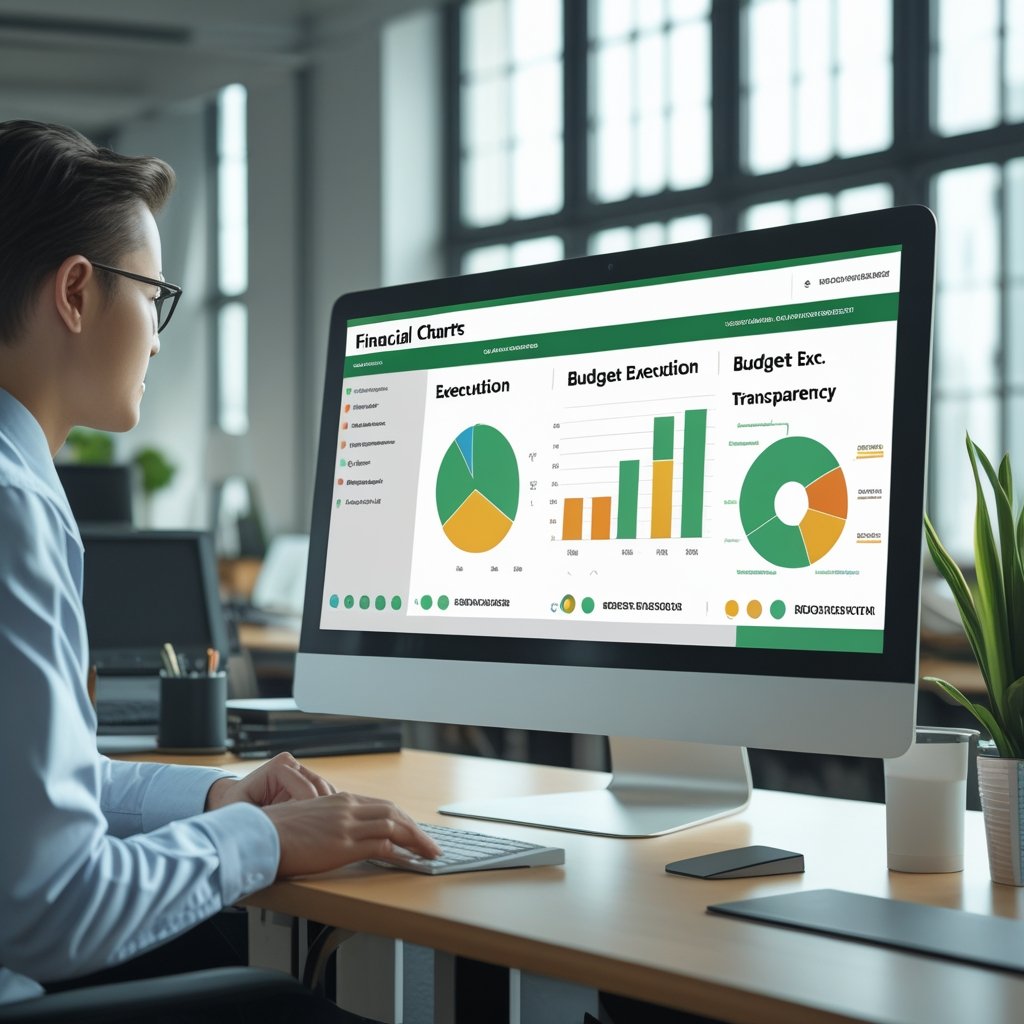
Learn how Excel sales dashboards help companies track revenue, analyze performance, and increase profitability.
Revenue is the lifeblood of any business. Without proper tracking and analysis of sales performance, companies struggle to grow sustainably. Excel dashboards provide a practical and cost-effective solution for monitoring revenue and sales performance in real time.
A sales dashboard consolidates data such as total sales, monthly revenue, product performance, and customer trends into a visual format. This allows managers to quickly understand how the business is performing and where improvements are needed.
Excel sales dashboards help identify high-performing products and services, as well as underperforming areas. By analyzing these insights, companies can adjust pricing, marketing strategies, and inventory management.
Another important advantage is trend analysis. Dashboards allow businesses to track revenue growth over time, identify seasonal patterns, and forecast future sales. This information supports strategic planning and resource allocation.
In small and medium enterprises, Excel dashboards are especially valuable because they eliminate the need for expensive sales software. They provide clear insights using tools that are already familiar to staff.
In Mozambique and similar markets, where businesses face fluctuating demand and economic uncertainty, sales dashboards help companies remain competitive and responsive.
Practical Example
A retail store can use a sales dashboard to track daily and monthly revenue. If sales decline, management can introduce promotions or adjust product offerings.
Conclusion
Excel sales dashboards transform revenue data into strategic insights, supporting growth and profitability.